Point-Of-Sale
(POS)
for Retailers
(POS) for RetailersOneway POS helps you optimize sales, improve customer satisfaction, and simplify store management.

Oneway POS helps you optimize sales, improve customer satisfaction, and simplify store management.
Our Point-of-Sale (POS) system seamlessly integrates with our self-checkout mobile app, delivery, bill payment, and transportation services, offering an all-in-one retail experience.
Running a business has never been easier. Oneway's inventory and POS application offers a comprehensive solution for stores to manage stock, sales, and customers efficiently.
Sign up and configure your Oneway POS account. Add your inventory and set up payment options.
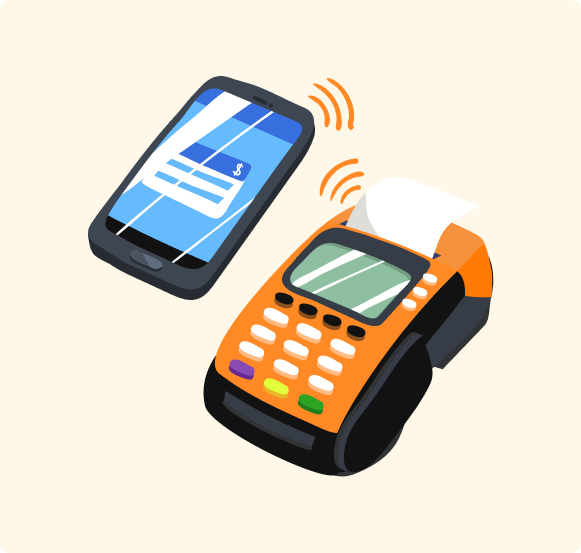
Process transactions seamlessly at the counter or through the self-checkout mobile app.
Track sales, inventory, and customer data in real time. Leverage analytics to make informed business decisions.
Enable online ordering and integrate with Oneway’s delivery system. Scale effortlessly as your business grows.
Whether you operate a supermarket, convenience store, or retail outlet, Oneway POS helps you optimize sales, improve customer satisfaction, and simplify store management.
Reduce checkout lines, manage stock, and enhance customer experience.
Simplify sales tracking, payment processing, and inventory management.
Process dine-in and takeout orders smoothly. Ensure fast, seamless transactions and efficient store management.
Keep track of stock levels and ensure compliance with industry regulations.
Join our early careers program
Join our early careers program